How can I share some product feedback?
Last updated: November 4, 2026
Spotted a bug, have an idea for a new feature, or think something could work better? You can share any type of product feedback straight from Topo, in two ways.
Option 1: tell the AI Agent
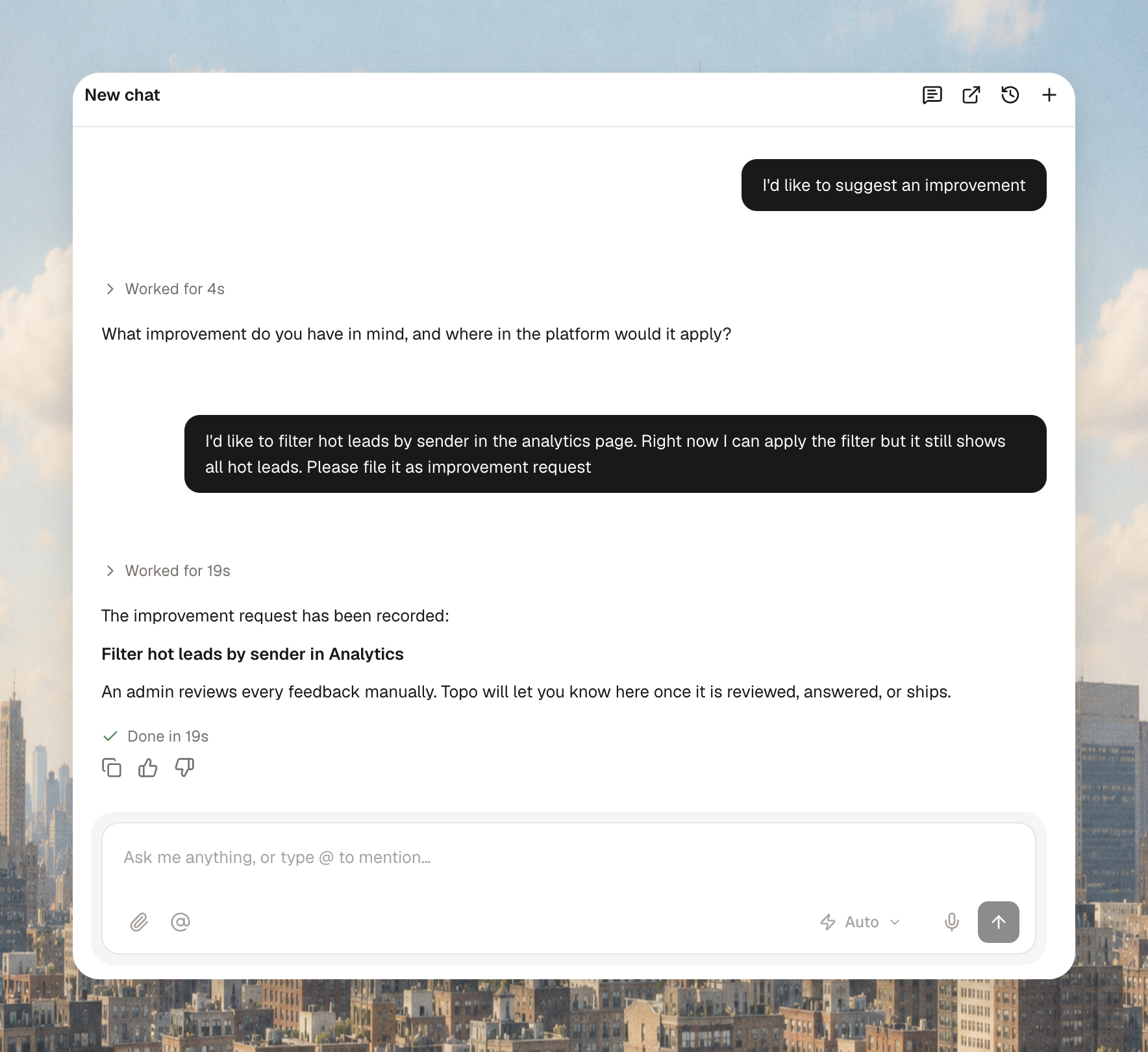
Open the AI Agent chat and tell it what you want to share. For example:
"I'd like to share some product feedback"
"I'd like to suggest an improvement"
"I'd like to report a bug"
The agent picks it up from there and asks for any details it needs.
Option 2: use the Send feedback button
Go to the bottom of the sidebar and click on your icon.
In the bubble that opens, click Send feedback.
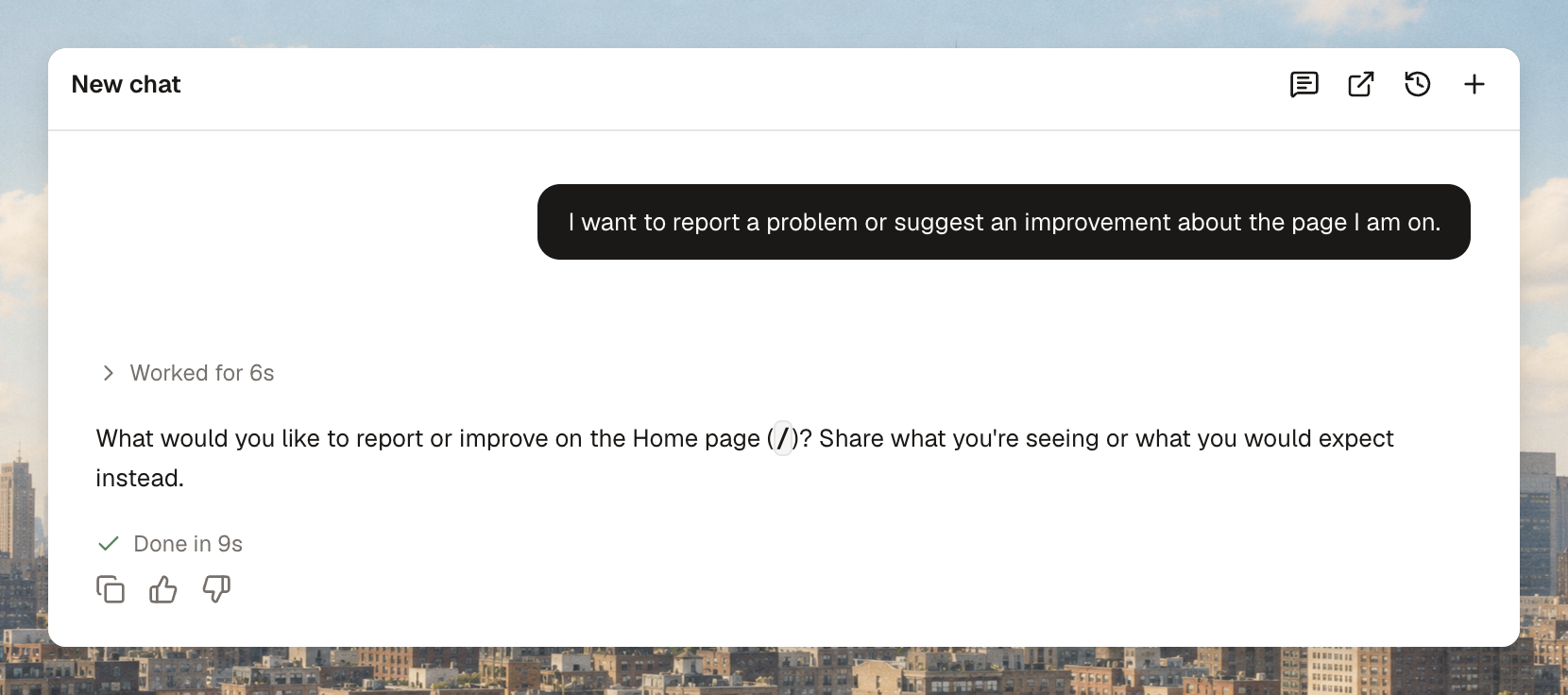
This opens the AI Agent chat with a ready-made prompt. Add your context and send it.
Help us act on it faster
The more context you give, the quicker we can act on it. Where you can, include:
A link to the page you're talking about
A screenshot of what you're seeing
The context: what you were doing, or the action you expected to happen
What you expect: the solution or result you'd like to see
What happens next
Whether it's a bug, a feature request or an improvement, your feedback goes directly to our product and support teams, who pick it up as quickly as possible and will keep you posted for any updates on your ask.