Can I manually assign a specific sender to a lead in a sequence?
Last updated: May 18, 2026
Context
When running sequences with multiple sender identities assigned, you may want to manually choose which specific sender should reach out to certain leads. This is particularly useful when you want to personalize messages based on which sender would resonate best with a particular lead's background or when you've customized messages with sender-specific information.
Answer
Currently, there is no way to manually assign a specific sender to individual leads within a sequence. Here's how sender assignment works:
Automatic assignment: Every lead is automatically assigned to a sender among the selected Sender Identities when added to the sequence
Assignment is permanent: Once a sender is assigned to a lead, there's no way to change it
"Assigned sender" field: This field that appears in the lead details is only for testing variables related to the sender - it doesn't actually impact who sends the messages
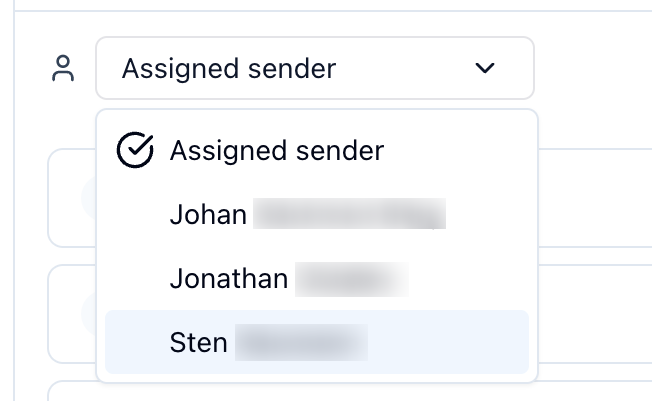
"Owner" field: This field is part of an upcoming feature and doesn't affect message sending currently
To check who actually sent a message to a lead, you can go to the Activity Feed and see who sent the LinkedIn connection request or email.
Workaround: If you need specific senders for specific leads, consider creating separate sequences for each sender identity and manually adding the appropriate leads to each sequence.
This limitation is a known feedback point, and manual sender assignment may be considered for future development.