Can I add hyperlinks to my email and LinkedIn messages?
Last updated: May 18, 2026
Context
When composing outreach messages, you may want to display a clickable hyperlink — where a word or phrase is shown instead of the full URL — rather than pasting a plain link into the message body.
Answer
The answer depends on the channel you are using:
Email messages: Hyperlinks are supported in email. To add one, follow these steps:
Open the message editor and highlight the text you want to turn into a hyperlink.
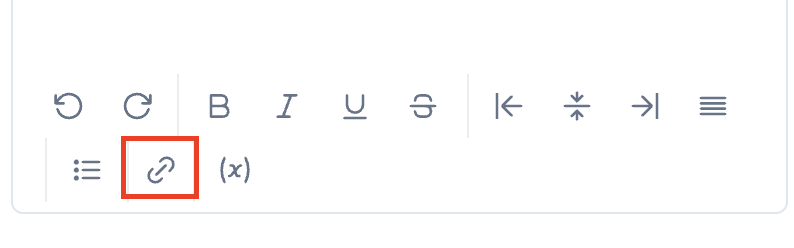
Click the link icon in the message editing toolbar.
Enter the URL in the field provided.
Press Enter on your keyboard to confirm the link.
Save your changes.
Note: Make sure to press Enter after entering the URL — skipping this step is a common reason the hyperlink does not save correctly.
⚠ Important warning about links in emails: Adding links to outreach emails negatively impacts your domain and mailbox reputation, potentially affecting your deliverability. We strongly recommend avoiding links in email messages to protect your sending infrastructure.
LinkedIn messages: Hyperlinks are not supported on LinkedIn. This is a formatting limitation imposed by LinkedIn itself. Only plain URLs can be shared in LinkedIn messages.