Adding a Call step to a sequence
Last updated: May 15, 2026
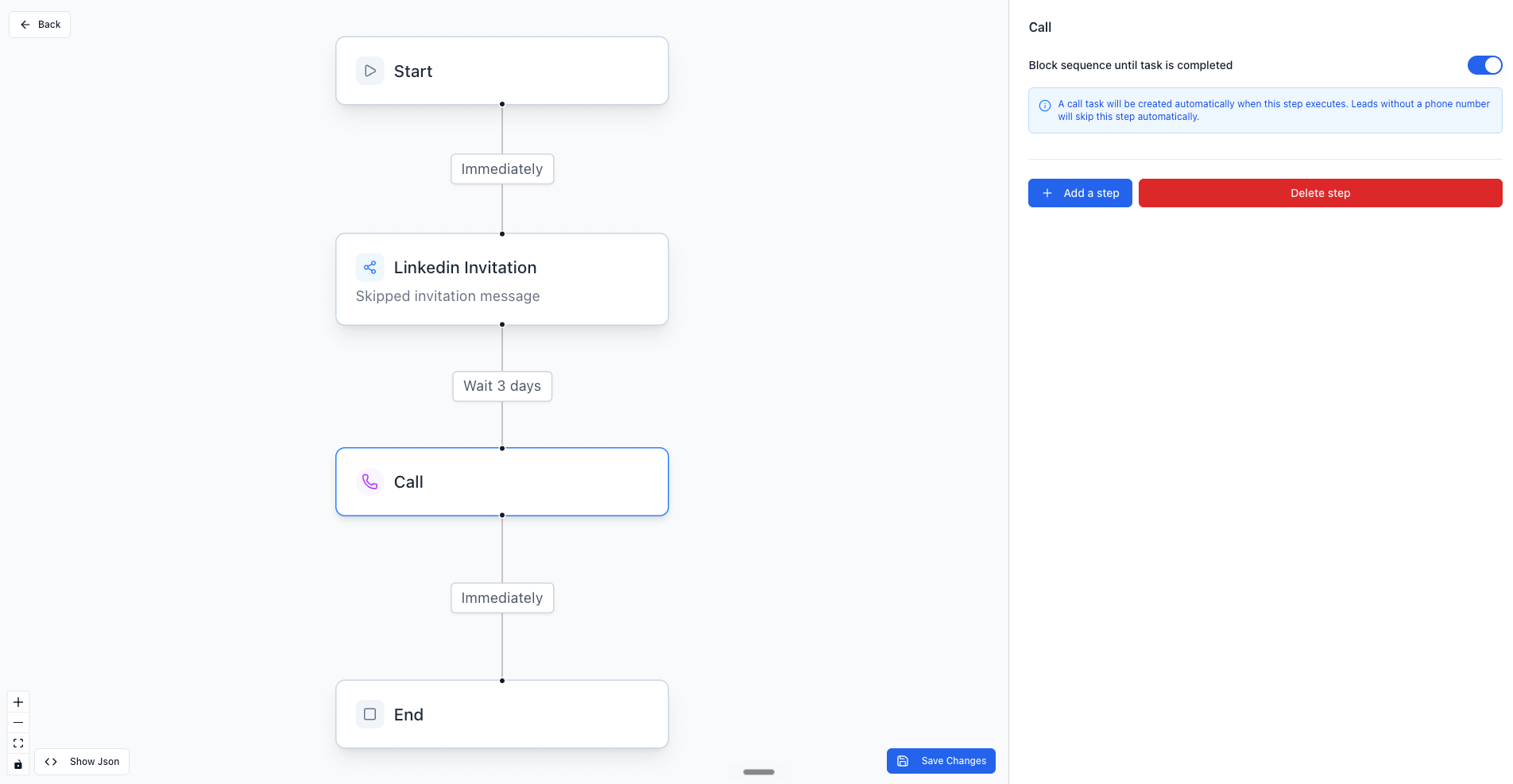
You can add a Call step to any sequence in the sequence builder. It is a standalone step type — when a lead reaches it, Topo creates a call task in the assigned rep's queue.
How to add it
Open the sequence in the builder
Click Add a step at the point in the sequence where you want the call to happen
Select Call
Settings for the Call step
Block sequence until task is completed — when enabled, the sequence pauses and does not continue until the rep closes the call task. Enabled by default.
Leads without a phone number skip this step automatically.